
Picks a layout by window count
One window is maximized, two sit side by side, three get a primary and a stack, four a 2×2 grid, five to nine a grid.
1
2
3
4
6
Free for MacVersion 0.2.0-beta.1 · 3.6 MB
Press ⌥⌘A and ordino arranges every window on the display, picking the layout by window count and screen shape. For macOS 14 Sonoma or later.
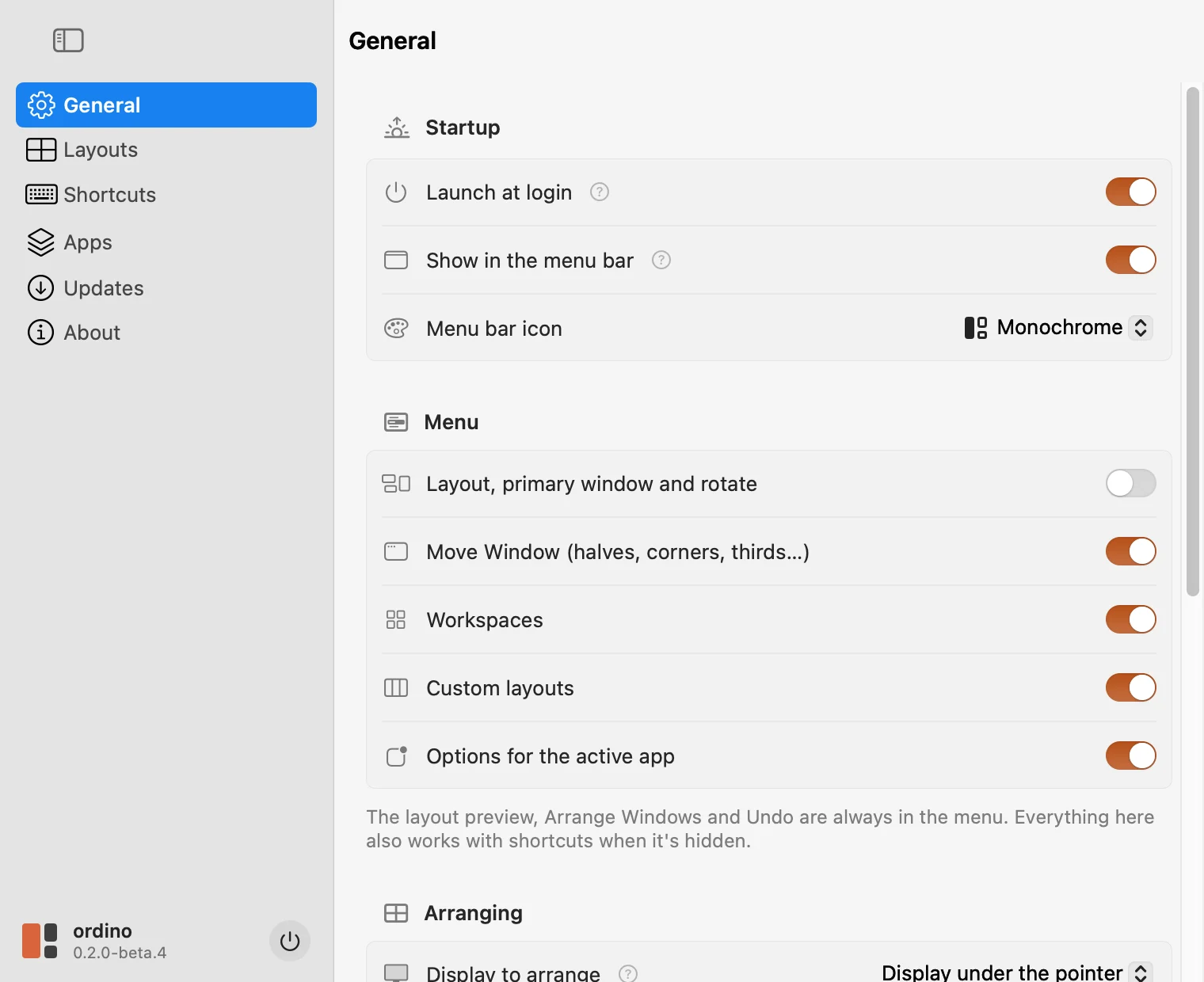
Click the ordino icon in the menu bar. The card on top shows the display and the layout ordino will use; click another layout to switch. Moving one window, workspaces, custom grids and options for the app you are in sit one level down. Settings chooses what the menu shows and whether the icon is in colour.
See how layouts are picked Mon 9:41
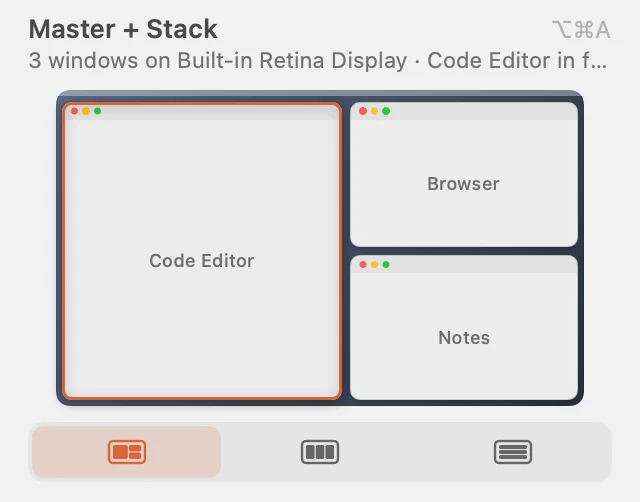
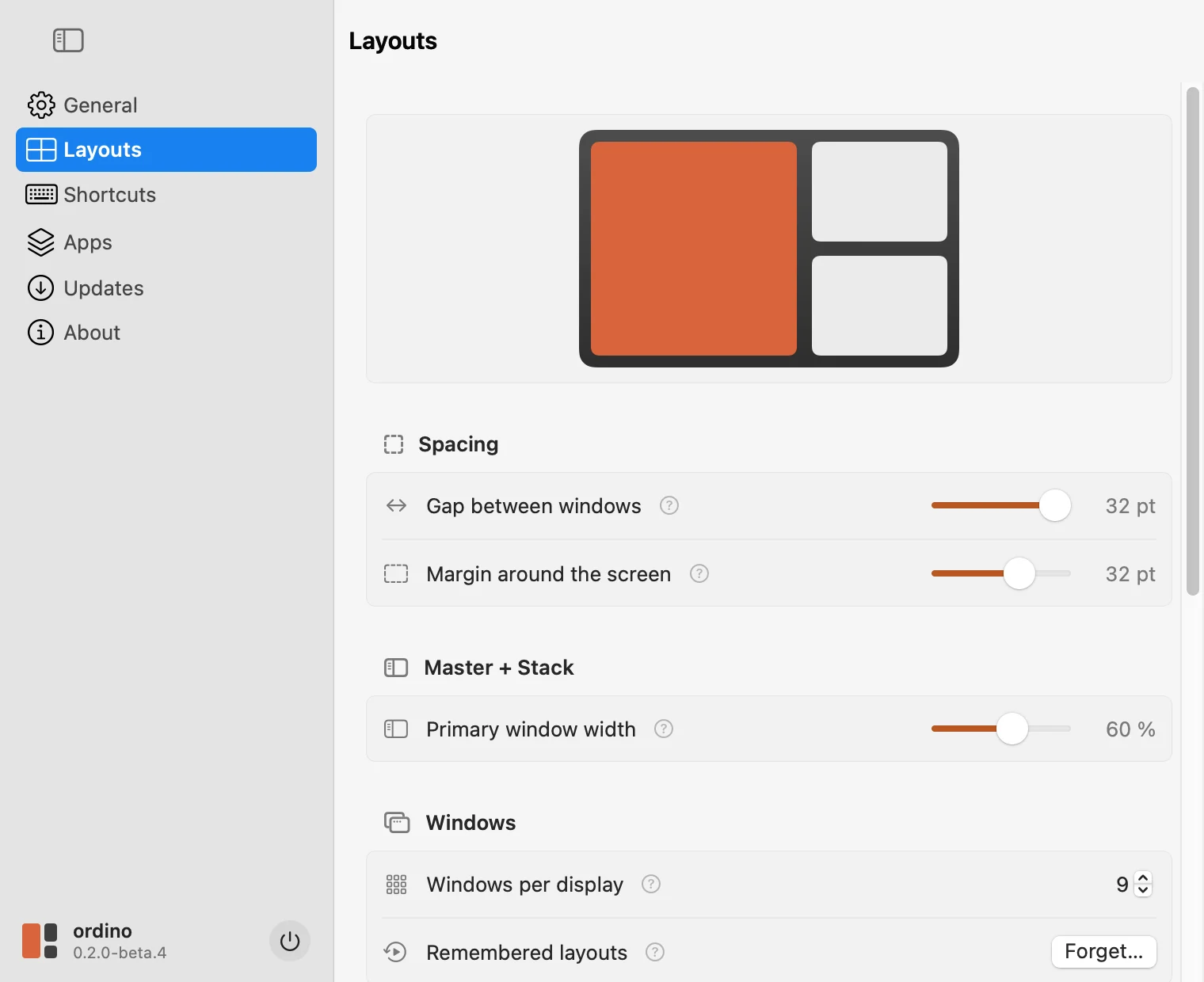
One window is maximized, two sit side by side, three get a primary and a stack, four a 2×2 grid, five to nine a grid.
On an ultrawide display ordino prefers columns and centres a lone window. On a portrait display it prefers rows.
The window you work in takes the large slot. Pick another in the menu, or click its slot in the preview.


Press ⌥⌘A again within 2 seconds for the next layout. ⌥⌘Z undoes a run of quick presses in one step.
Halves, corners, thirds, fourths, sixths, maximize and center, each with a shortcut you can change. Press ⌃⌥← again to go from 1/2 to 2/3 to 1/3.
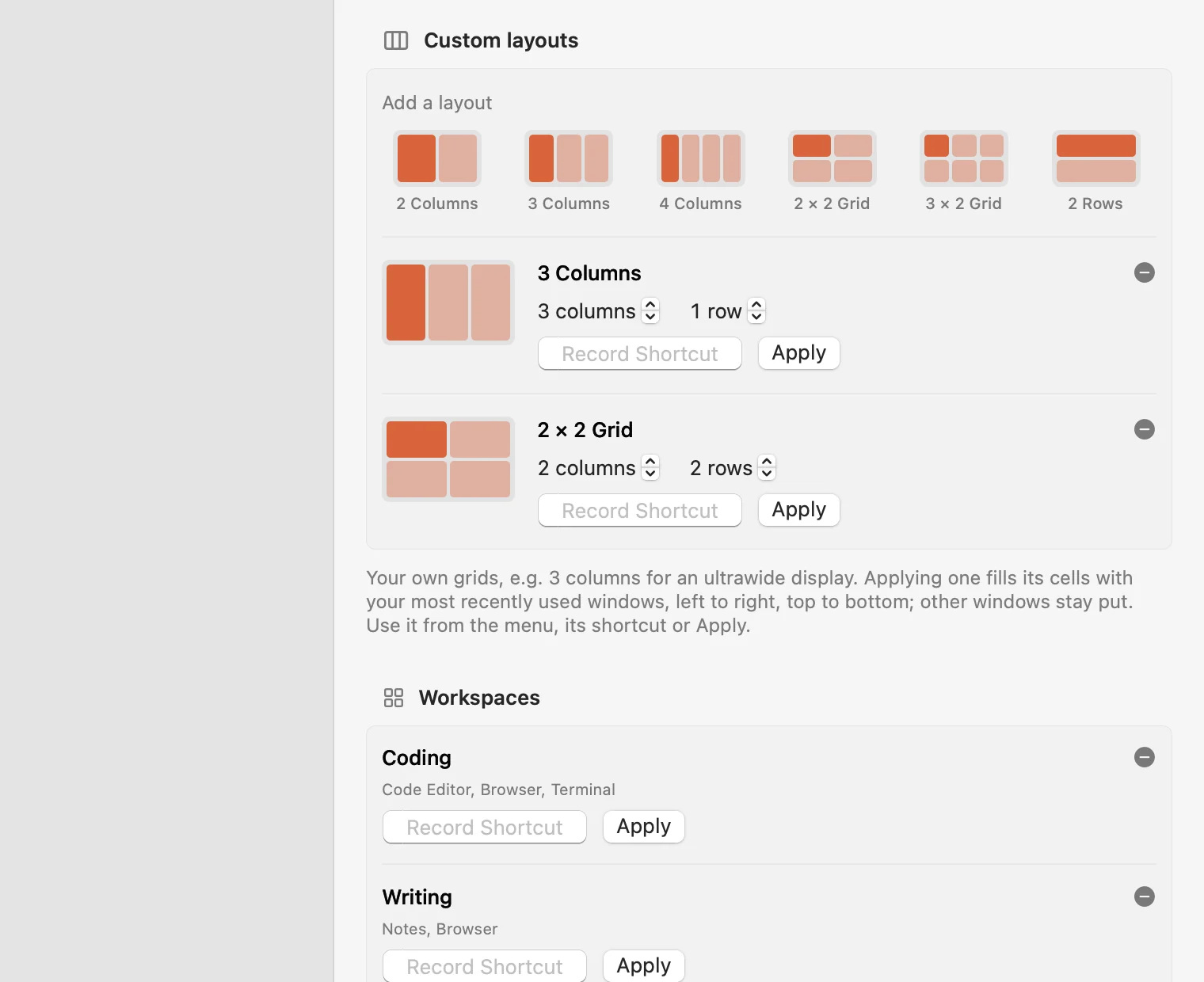
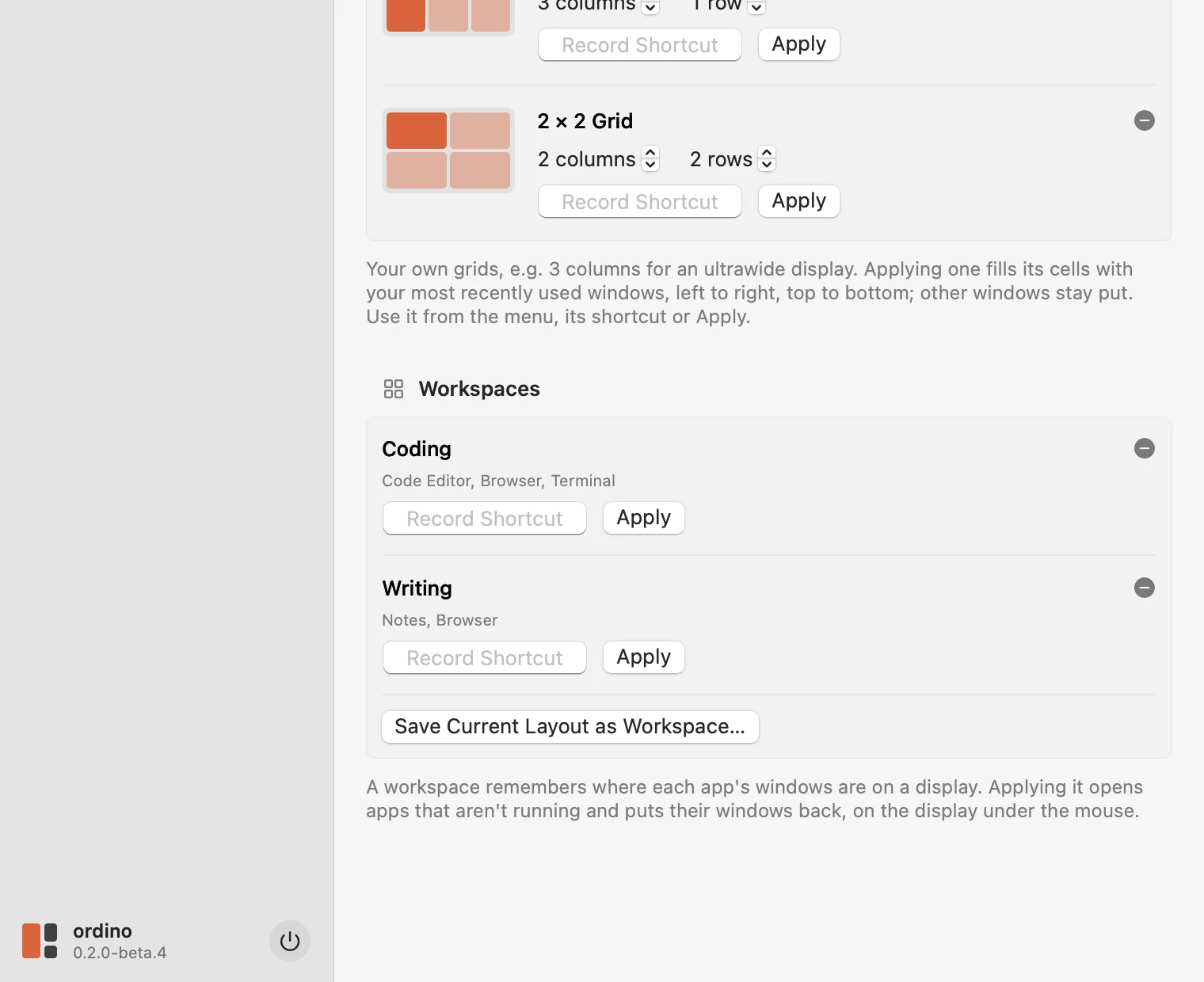
Pick a shape from the gallery, like 3 columns for an ultrawide, see it drawn, give it a shortcut. Your most recent windows fill it.
Save the windows of a display as Coding or Writing. Apply one and missing apps open, then every window goes back to its place.
Choose a monochrome or colour menu bar icon, and which groups the menu shows. Snapping and display changes switch on or off here.
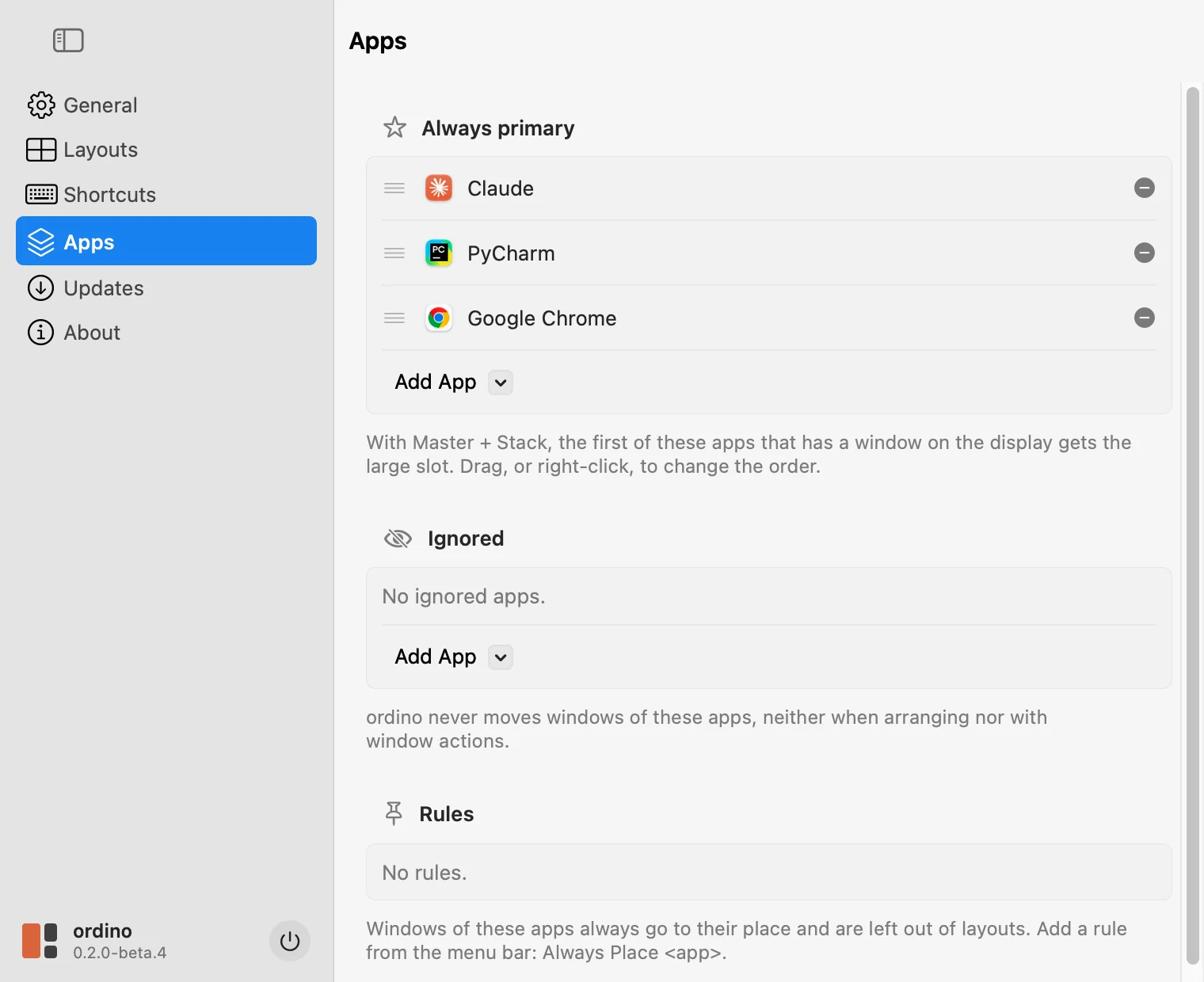
List the apps whose window takes the large slot, give apps a fixed place, or tell ordino to leave them alone.
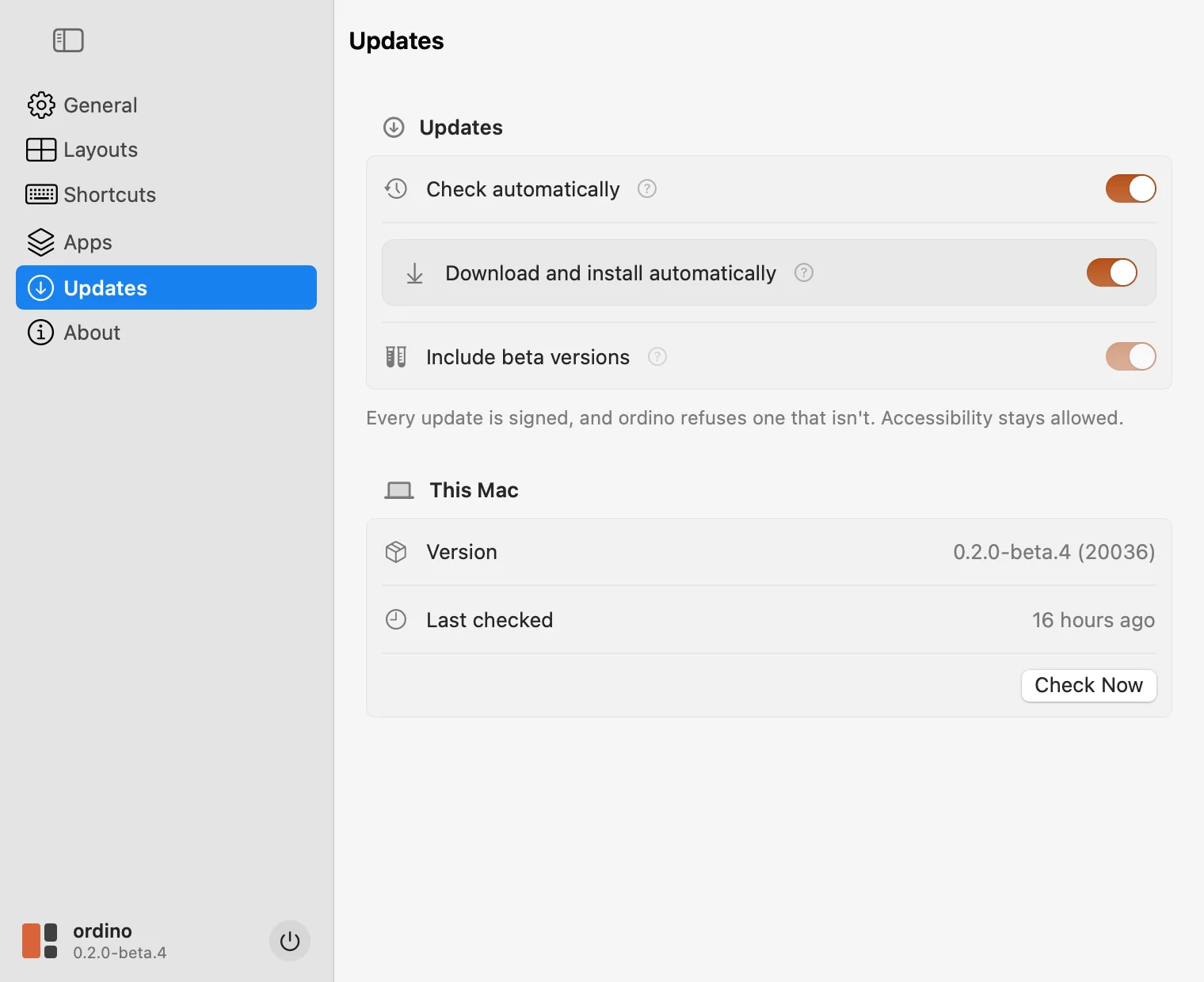
ordino checks, downloads and installs updates by itself, or when you press Check Now.
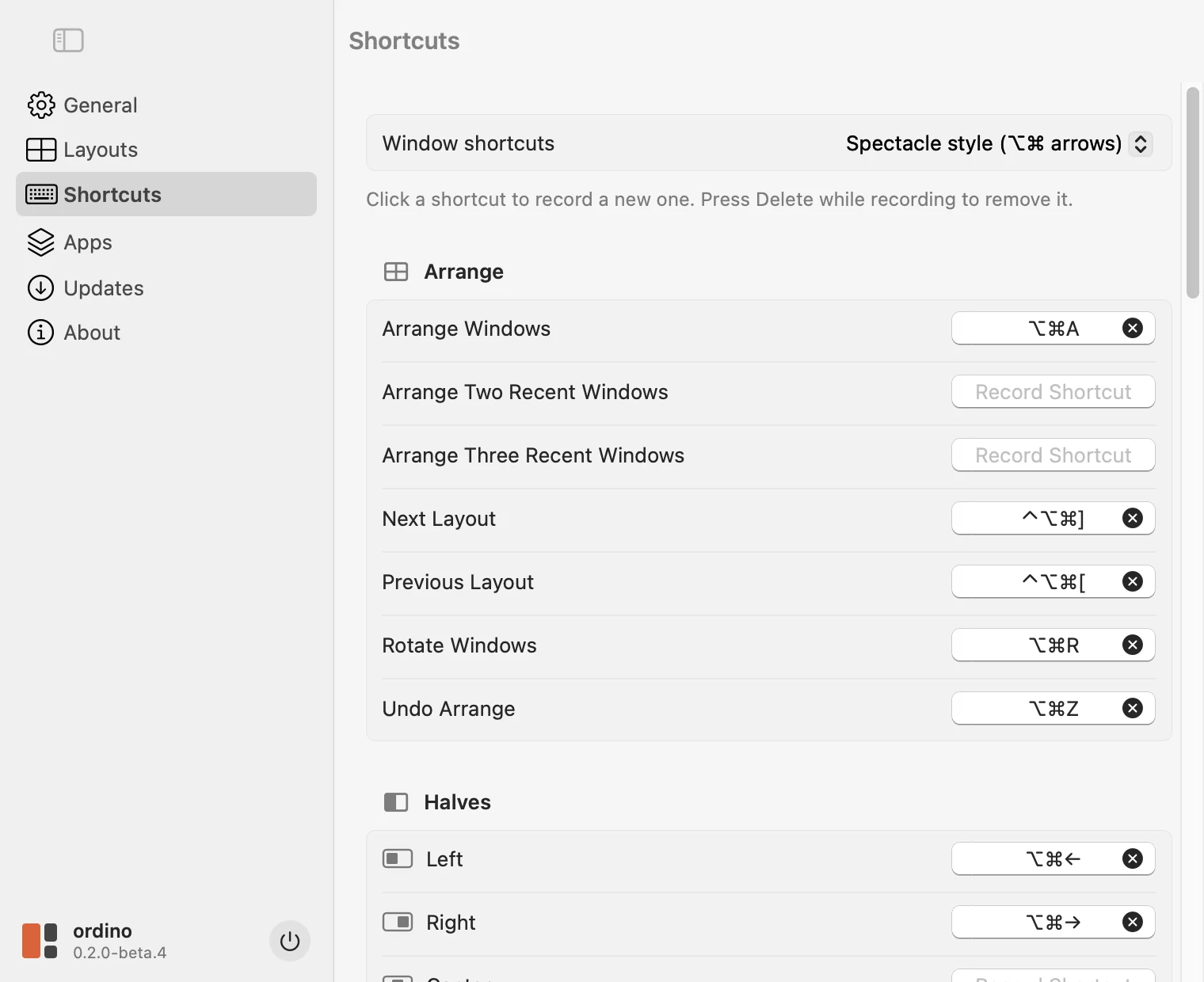

Pull a window to a screen edge for a half, into a corner for a quarter, or up to the top for a bar of layouts: thirds, two thirds, quarters.
Save how your apps sit on a display as Coding or Writing. One shortcut opens what's missing and puts every window back.
Slack always bottom right, Terminal never moved. The layout fills the rest of the screen around them.
Three columns for an ultrawide, a 2 × 2 grid for a big monitor. Pick a shape, give it a shortcut.
Portrait displays get top and bottom halves. Plug a monitor in or out and each one gets its last layout back.
ordino:// links for Shortcuts, Raycast and scripts: arrange, switch layout or open a workspace.
Arranging a screen that is already arranged changes nothing. ⌥⌘R rotates the windows through the slots.
Download the zip, double-click it and drag ordino into the Applications folder. Or install it with Homebrew:
 ordino
Applications
ordino is not notarized, so macOS can't verify the developer. Click Done, then Open Anyway in Privacy & Security.
The welcome window asks for Accessibility. The permission stays on through every update.
ordinoPrivacy, requirements and other window managers.
No. It uses only the Accessibility permission, to read window positions and move windows. There are no analytics and nothing leaves your Mac.
Macs with macOS 14 Sonoma or later, Apple silicon and Intel. The app is universal and about 3.6 MB.
Nothing. ordino is free and needs no account.
When another window manager such as Rectangle is running, ordino leaves its window shortcuts unassigned. You can set them in Settings.
ordino learns each window's minimum size. Its neighbours shrink instead of overlapping it.
On their own. Every update is signed with EdDSA, and ordino refuses one that isn't.